

Created by:

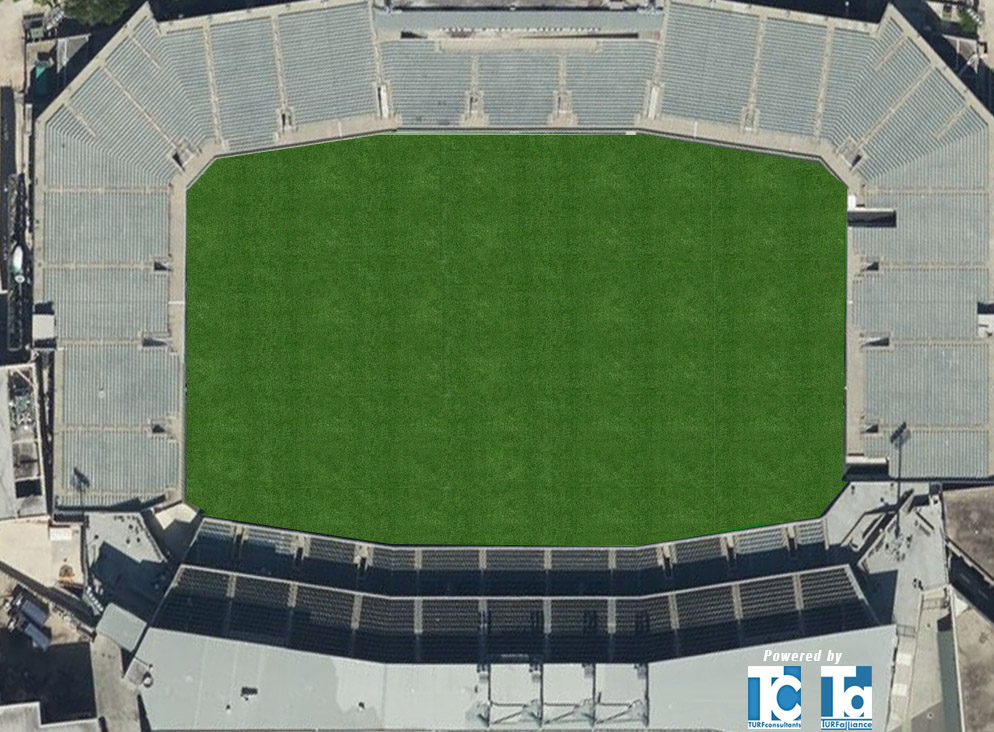
Instructions: Instructions: Select graphics, text and color from the menus below to create a custom design for Benson Field.
When your design is complete, please click the “save as PDF” button. Then the print box prompt appears, please select the dropdown tab under the “destination” header and select “Save as PDF” and then click save near the bottom of the box. Once you save the PDF to your computer, you can submit your design by clicking the “submit” button at the bottom of the page and uploading your saved PDF from your computer.
When your design is complete, please click the “save as PDF” button. Then the print box prompt appears, please select the dropdown tab under the “destination” header and select “Save as PDF” and then click save near the bottom of the box. Once you save the PDF to your computer, you can submit your design by clicking the “submit” button at the bottom of the page and uploading your saved PDF from your computer.
Select Turf Scheme
Select Sport 1
Endzone Background Color
Players Area
Apron Color
Endzone Graphics
Select Logo
Enter Left Endzone Text
Enter Right Endzone Text
Only PDF Upload Form
Select Left Endzone Font Color :
Select Right Endzone Font Color :